
Troubleshooting Errors
If you see an error when you try to log into Defence Gateway or Westminster, please try the following steps:
- Check you are using a compatible browser (Google Chrome, Firefox, MS Edge, Safari)
- Clear your browser’s cookies and caches
- Check if a saved browser bookmark is being used to access Westminster or Defence Gateway - it should be deleted as it may have expired
- Navigate to Westminster via the icon on your Defence Gateway Applications page
Web Page Blocked! Attack ID 20000018
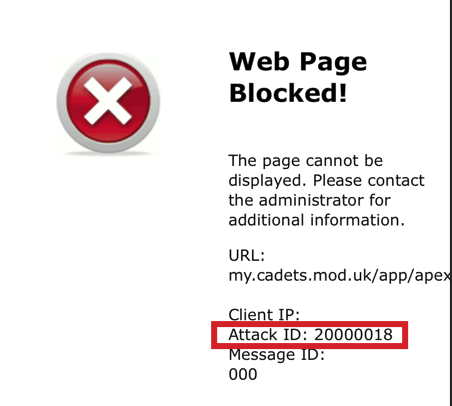
This error means that the Westminster security settings have identified your device as coming from outside the UK.
If you are outside the UK, or connected via a VPN (Virtual Private Network) you will not be able to access Westminster and other applications.
You either need to wait until your return to the UK, or disable your VPN.
Web Page Blocked! Attack ID 20000022
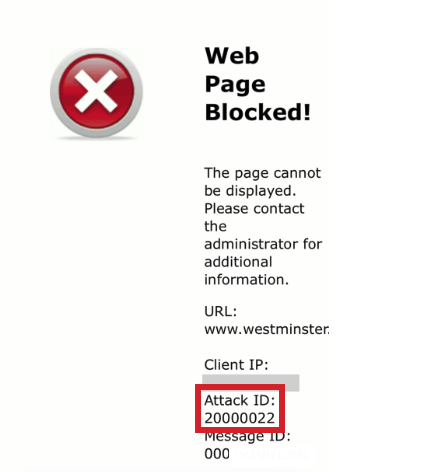
This error indicates that the Westminster firewall has identified your device or network as posing a risk.
This is an issue relating to your own security settings, and cannot be resolved by the Helpdesk.
Your device/ network's IP reputational score must be improved to enable access.
As a first step, make sure that your device and its antivirus software is fully up to date.